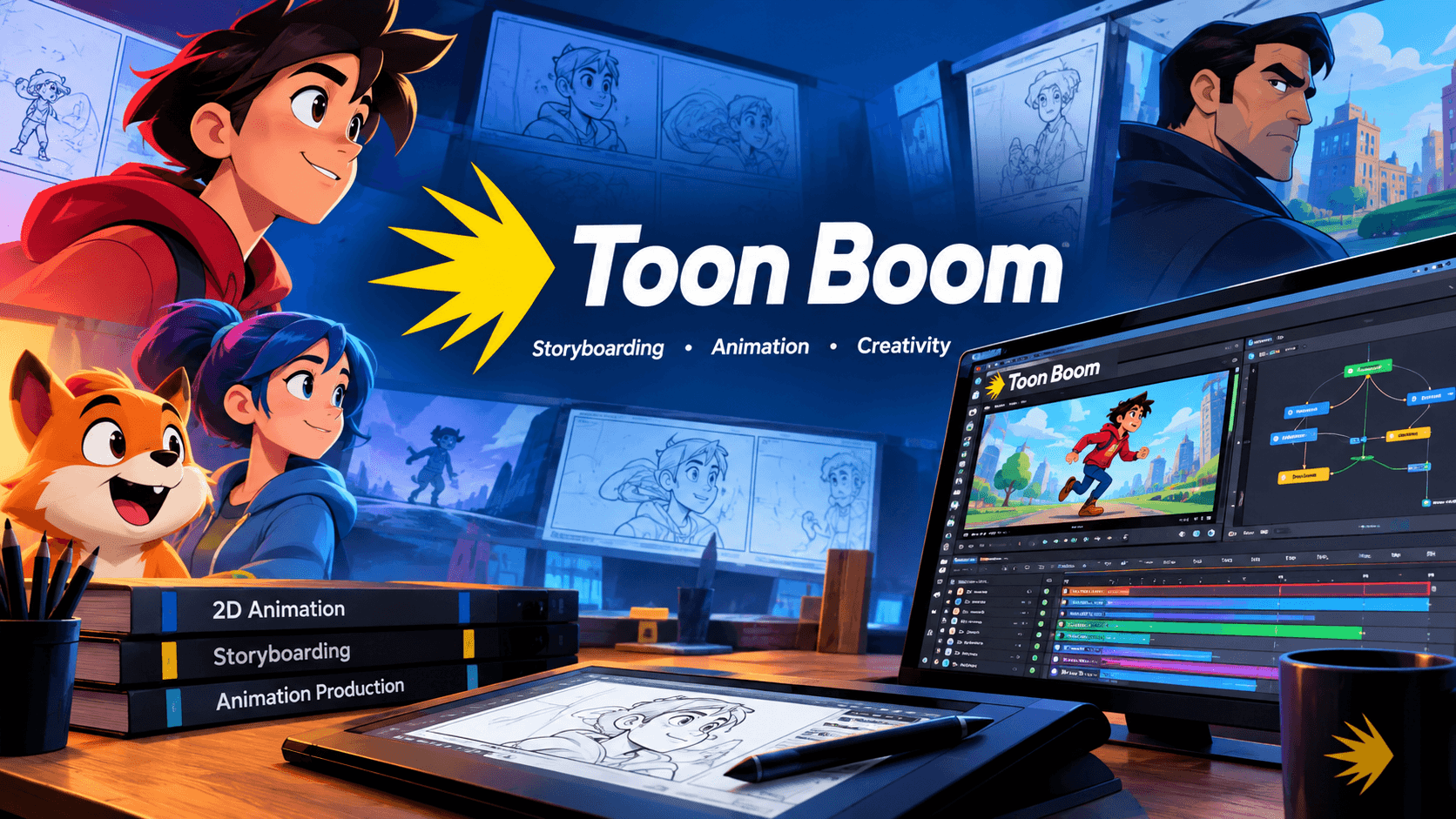
Introduction: Your Complete Roadmap to Toon Boom Animation
Professional 2D animation demands tools that keep pace with your creativity. Toon Boom Animation delivers exactly that. For over three decades, this Montreal-based company has equipped studios worldwide with software that turns rough sketches into polished productions. This guide walks you through every major aspect of the Toon Boom ecosystem: Harmony for animation, Storyboard Pro for pre-production, Ember for AI assistance, and Producer for studio management. You will find pricing, system requirements, production workflows, and learning pathways. Everything you require is located in one location.
What Is Toon Boom Animation?
Toon Boom Animation Inc. is a Canadian software company founded in 1994 and headquartered in Montreal, Quebec. The company builds animation and storyboarding tools for film, television, gaming, and digital content. Its software supports traditional hand-drawn animation, rigged cut-out characters, and hybrid workflows that blend 2D and 3D elements.
Studios in over 130 countries depend on Toon Boom products daily. High-profile productions include The Simpsons, The Princess and the Frog, The SpongeBob Movie: Sponge Out of Water, and My Little Pony: The Movie. This widespread adoption makes Toon Boom the de facto standard for professional 2D animation pipelines.
Toon Boom Harmony: The Engine Behind Professional 2D Animation
Harmony is Toon Boom’s flagship animation software. It handles every stage of production, from rough drawing to final compositing. Artists can work with hand-drawn frames, build cut-out character rigs, and composite entire scenes without leaving the program.
Core Capabilities of Harmony
- Drawing and painting tools for frame-by-frame animation
- Cut-out rigging with bone systems, deformers, and master pegs
- Node-based compositing for advanced visual effects
- Particle systems for natural phenomena like rain, fire, and dust
- 2D/3D integration with camera controls and multiplane support
- Universal Scene Description (USD) compatibility for CGI pipeline integration
Harmony Premium supports camera resolutions of 8K and beyond. Advanced caps at 4K, while Essentials reaches 2K. The software runs on Windows 10/11 (64-bit) and recent macOS versions.
Harmony Editions: Essentials, Advanced, and Premium Compared
Toon Boom offers Harmony in three distinct editions. Each has a distinct budget and target audience.
Harmony Editions at a Glance
| Feature | Essentials | Advanced | Premium |
| Camera Resolution | Up to 2K | Up to 4K | 8K+ |
| Monthly Price | $30 | $77 | $139 |
| Annual Price | $252 | $588 | $1,128 |
| Target User | Hobbyists, beginners | Students, freelancers | Studios, professionals |
| Bitmap Layers | ✘ | Full | Full |
| Node View | ✘ | ✘ | Full |
| Particles | ✘ | ✘ | Full |
| Deformers | Partial | Partial | Full |
| Ember AI | ✘ | ✘ | Full |
Annual billing reduces the monthly cost significantly. For all editions, Toon Boom offers a free 14-day trial. Premium unlocks every feature, including node-based compositing and advanced rigging tools.
Toon Boom Storyboard Pro: Pre-Production Without Limits
Storyboard Pro is a complete storyboarding solution built for artists, directors, and production teams. It handles everything from quick thumbnail passes to fully timed animatics with sound and camera moves.
Features That Set Storyboard Pro Apart
- Quick Thumbnailing Workflow for rapid first-pass boards
- Non-Destructive Layer Effects through an enhanced Effect Stack view
- Panel Timer for capturing live timing during dialogue and action
- Photoshop import with clipping mask and blending mode preservation
- 3D model import for panel placement and camera positioning
- Direct export to Harmony for seamless animation handoff
Storyboard Pro costs $87 per month or $752 annually. It exports directly into Harmony, allowing animators to use the animatic as their timing reference.
Harmony vs. Storyboard Pro: Which One Do You Need?
These products serve different phases of production. Harmony is for animation production: drawing, rigging, animating, and compositing. Storyboard Pro is for pre-production: scripting, boarding, and animatic creation.
Most professional pipelines use both. Storyboard artists board in Storyboard Pro, then export scenes to Harmony for animation. If you only animate, Harmony alone works. If you only board and pitch, Storyboard Pro covers your needs.
Toon Boom Ember: AI Tools That Assist, Not Replace
Toon Boom Ember is an optional AI-powered add-on available for Harmony and Storyboard Pro from version 24.1 onward. It was developed with AI providers including Bria, Gemini, and Eleven Labs.
Ember Features in Harmony
- AI Masking — isolates elements in imported images
- Image Expansion — extends backgrounds beyond original boundaries
- Image Resolution Increase — upscales low-resolution artwork
- Texture Resolution Increase — enhances surface detail
Ember Features in Storyboard Pro
- Script Analysis — identifies scenes, characters, and assets from screenplays
- Character Voice Selection for scratch tracks
- AI-Generated Scene Length estimates
Ember is disabled by default in Harmony 25 and must be manually activated through Preferences. Toon Boom’s stated goal is to optimize artists’ jobs, not replace them. Service providers never collect or store user data, nor do they train AI on user projects.
System Requirements for Toon Boom Harmony
Harmony runs on Windows and macOS laptops and desktops. It does not run on tablets or iPads.
Windows Requirements
| Component | Recommended | Minimum |
| Processor | Intel Core i7, Xeon or better | Intel Core i5 |
| Memory | 32 GB | 8 GB |
| Video Card | NVIDIA GeForce RTX 3070 | NVIDIA GeForce GTX 960 |
| Monitor | 1920 x 1080 | 1280 x 800 |
| Disk Space | 1.43 GB | — |
| Drawing Tablet | Wacom Intuos Pro or Cintiq | Wacom Intuos or Bamboo |
macOS Requirements
| Component | Recommended | Minimum |
| Processor | Apple silicon or Intel Core i7 | Intel Core i5 |
| Memory | 32 GB | 8 GB |
| Video Card | M1 Pro 14-core GPU | M1 7-core GPU |
| Disk Space | 3.2 GB | — |
Vulkan 1.1 support is required for optimized 3D model display on both platforms. Supported macOS versions include Tahoe, Sequoia, Sonoma, Ventura, and Monterey.
How Studios Use Toon Boom in Real Productions
Toon Boom software powers some of the most recognizable animated shows and films.
Television Series
Harmony has been used on The Simpsons, Gravity Falls, Adventure Time, Bob’s Burgers, and DuckTales (2017). My Little Pony: The Movie and Care Bears: Unlock the Magic also relied on Toon Boom tools.
Feature Films
Productions include Disney’s The Princess and the Frog and Paramount’s The SpongeBob Movie: Sponge Out of Water.
Recent Productions
Mercury Filmworks used Harmony for Netflix’s Kid Cosmic. 12field Animation adopted remote production solutions for The Strange Chores.
Harmony 25: New Tools for Modern Pipelines
Harmony 25 introduced several features that streamline production.
Breakdown Pose Assistant
This tool helps cut-out animators create breakdown and in-between poses by blending keyframe values from the previous and next key poses. Artists can set percentages above 100% to create antic and overshoot poses.
Photoshop Brush Import
Artists can now import Photoshop ABR brushes into Harmony. These brushes work as vector and bitmap brushes and can also be applied to erasers.
Smaller Project Files
Harmony 25 compresses project files, reducing scene load times by up to three times.
Universal Scene Description Support
Harmony Premium 25 supports USDZ import for 3D models and USD data exchange for animation and camera moves.
Toon Boom Producer: Studio Management for Large Teams
Producer is Toon Boom’s production tracking solution for animation studios. It provides real-time access to the progress of animated features and series.
Producer Capabilities
- Task tracking across departments
- Asset and scene management
- Team management with user permissions
- Reporting and efficiency monitoring
- Harmony integration for direct scene access
- Producer Link for remote collaboration
Producer is available as a cloud or on-premise solution. Pricing is custom and requires contacting Toon Boom sales.
Toon Boom Jump: Animation Meets Game Development
Jump is Toon Boom’s game asset management and development application. It integrates with the Godot game engine for programming and with Asset Editor for animation and art creation.
Jump supports Unity integration for game development rendering. Artists can export skeleton information, drawing data, and keyframe animation data directly to game engines.
Toon Boom vs. Competitors: Adobe Animate and Blender
Toon Boom Harmony remains the industry standard for professional 2D character animation and rigged cut-out styles.
Adobe Animate was once the industry standard but no longer receives major feature updates. It is maintained but not actively developed for new animation workflows.
Blender is free and excels at 3D animation. Its 2D Grease Pencil tool is capable but lacks the studio pipeline integration of Harmony.
For professional 2D production, Toon Boom offers the deepest feature set and strongest studio adoption.
How to Learn Toon Boom: Resources and Pathways
Toon Boom provides multiple learning options for every skill level.
Free Resources
- Learn Portal — text and video tutorials with downloadable assets
- Toon Boom Docs — online user guides with how-to instructions
Paid Courseware
- StartingPoint Courseware — online platform with modules, quizzes, and assignments
- Instructor-Led Online Classes — seasonal courses taught by professionals
- Toon Boom Associate Certification — industry-standard credential for storyboarding and animation
Third-Party Training
Animation Mentor, School of Visual Arts (SVA), and Seneca Polytechnic offer Toon Boom courses.
Frequently Asked Questions About Toon Boom
What is Toon Boom used for?
Toon Boom software creates 2D animation for TV shows, movies, games, explainer videos, and advertisements. Harmony handles animation production; Storyboard Pro handles pre-production and storyboarding.
How much does Toon Boom Harmony cost?
Harmony Essentials costs $30 per month or $252 annually. Advanced costs $77 monthly or $588 annually. Premium costs $139 monthly or $1,128 annually.
Can I use Toon Boom Harmony on a Mac?
Yes. Harmony supports macOS versions including Sequoia, Sonoma, Ventura, and Monterey. Apple silicon processors are recommended.
Does Toon Boom have AI features?
Yes. Toon Boom Ember offers AI-powered tools for masking, image expansion, resolution enhancement, and script analysis. Ember is an optional add-on for Harmony and Storyboard Pro users.
What is the difference between Harmony and Storyboard Pro?
Harmony is for animation production. Storyboard Pro is for storyboarding and pre-production. Storyboard Pro exports directly into Harmony for animation timing.
Is Toon Boom good for beginners?
Yes. Harmony Essentials provides fundamental drawing, painting, and animation tools at an accessible price point. Toon Boom also offers structured courses and free tutorials for new users.
Conclusion: Your Next Step in Toon Boom Animation
Toon Boom Animation gives you the tools that professional studios trust every day. From storyboarding in Storyboard Pro to final animation in Harmony, the pipeline supports every stage of 2D production. The three Harmony editions meet different budgets and skill levels. Ember’s AI tools help teams work faster without replacing artistic judgment.
Your next step: download the 14-day free trial of Harmony and start your first scene. Explore Storyboard Pro for pre-production. Join the Toon Boom community and connect with animators worldwide.
The animation industry runs on Toon Boom. Now it is your turn to create.